VS Code vs JetBrains vs Zed
The code editor market has three distinct philosophies: VS Code's massive extension ecosystem, JetBrains's deep language-specific intelligence, and Zed's obsession with speed and real-time collaboration.
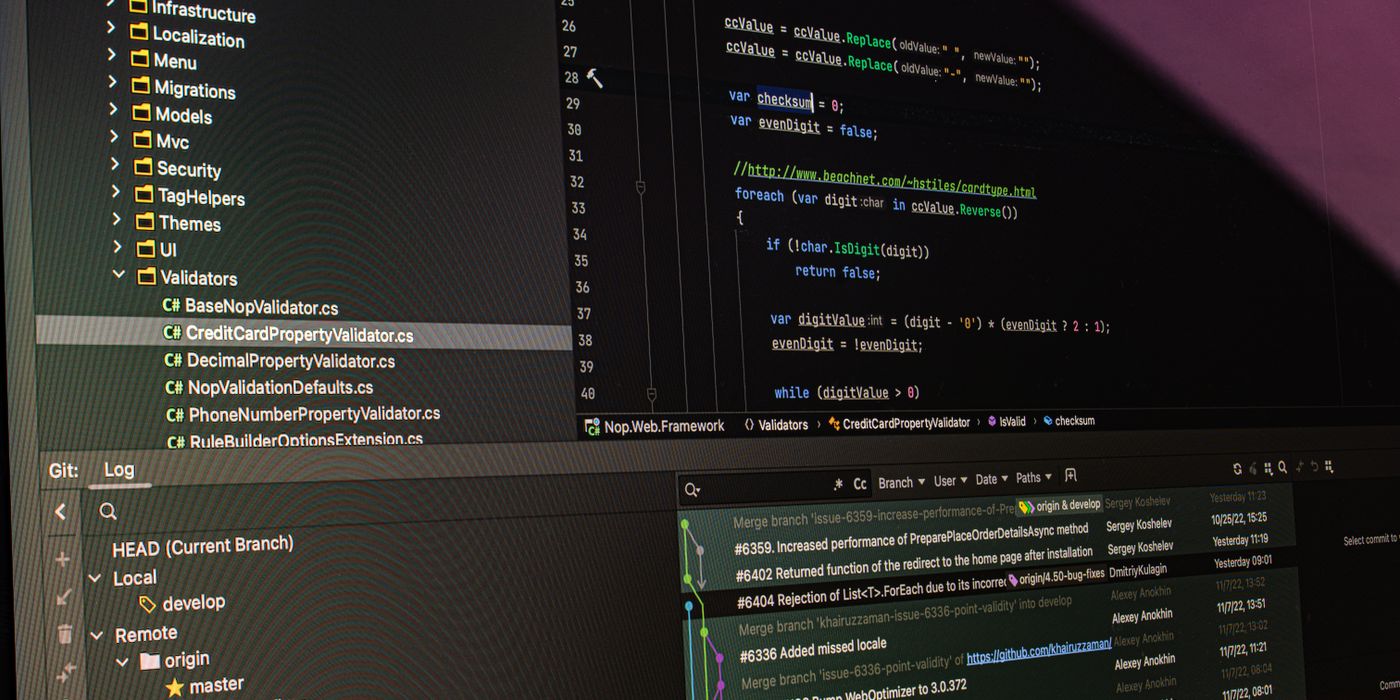
The code editor you spend eight hours a day in matters more than almost any other tooling decision. VS Code, JetBrains IDEs, and Zed represent three genuinely different bets on what makes a development environment great: breadth of ecosystem, depth of language intelligence, and pure editing speed with modern AI integration. The right answer depends on your language stack, team setup, and what slows you down most.
At a glance
| VS Code | JetBrains IDEs | Zed | |
|---|---|---|---|
| Price | Free (open source) | $7.90–$24.90/mo (individual) | Free (open source) |
| Platforms | Windows, Mac, Linux | Windows, Mac, Linux | Mac, Linux (Windows: preview) |
| Performance | Good (Electron-based) | Heavy, but improved | Excellent (GPU-accelerated, native) |
| Extension ecosystem | Massive (30K+) | Large (JetBrains Marketplace) | Small but growing |
| Language intelligence | Via extensions (LSP) | Best-in-class per language | Via LSP + extensions |
| AI integration | GitHub Copilot, many others | JetBrains AI Assistant | Built-in AI (Claude, GPT, local) |
| Real-time collaboration | Live Share (extension) | Code With Me | Native — core feature |
| Vim/modal editing | Via extension (VSCodeVim) | Via IdeaVim plugin | Native vim mode |
| Remote development | Excellent (SSH, containers) | Good | Improving |
| Best for | Most developers, JS/TS, polyglot | Java, Kotlin, Python, PHP, deep refactoring | Speed, AI-first, collaboration, Rust/Go |
VS Code — the universal editor
VS Code became the default editor for most developers because it gets out of the way while supporting almost everything via extensions. The 30,000+ extension library means virtually every language, framework, linter, formatter, and workflow has a plug-in. It’s the editor that works whether you’re writing Python, TypeScript, Rust, SQL, or shell scripts — often in the same project.
- Extension ecosystem: the depth of VS Code’s extension marketplace is unmatched. The same editor handles React frontends, Python data science notebooks, remote Docker containers, Kubernetes configs, and SQL queries — often with first-party extensions from the tool authors themselves (Prisma, Docker, Kubernetes, GitHub).
- GitHub Copilot integration: VS Code has the deepest Copilot integration of any editor — inline completions, Copilot Chat, the agentic Copilot Workspace features. If GitHub Copilot is your primary AI coding tool, VS Code is the natural home.
- Remote development: the Remote SSH, Dev Containers, and GitHub Codespaces integrations are best-in-class. Developing against a remote server or inside a Docker container feels nearly identical to local development. JetBrains has improved here but VS Code is still ahead.
- Performance limitation: built on Electron (a Chromium wrapper), VS Code is heavier than native editors. On lower-spec machines or with many extensions loaded, startup time and input latency are noticeable. This is the main reason experienced developers switch to Zed or JetBrains.
JetBrains — the deep intelligence pick
JetBrains doesn’t make one editor — it makes IntelliJ IDEA (Java/Kotlin), PyCharm (Python), WebStorm (JS/TS), GoLand (Go), Rider (.NET), and others. Each IDE is built around one language stack and has language intelligence that goes significantly deeper than what LSP-based editors (VS Code, Zed) can offer: structural search and replace, cross-file refactoring that understands runtime types, data flow analysis, and framework-specific inspections that catch bugs before you run code.
- Refactoring depth: JetBrains refactoring tools understand program semantics, not just text patterns. Renaming a method updates all call sites correctly even when they’re in different modules. Extracting an interface fills in the implementation automatically. This level of refactoring is only possible when the IDE has a full semantic model of the codebase.
- Framework intelligence: IntelliJ understands Spring Boot annotations, PyCharm knows Django ORM patterns, WebStorm understands Next.js routing conventions. These aren’t extensions — they’re built into the language model. IDE errors catch framework misuse before tests do.
- Cost: JetBrains IDEs are subscription-based ($7.90–$24.90/mo per IDE for individuals, more for teams). A All Products Pack covers all IDEs. The upfront cost is real but comparable to a coffee habit; for professional developers on a supported language, the productivity return is usually substantial.
- Performance: JetBrains has historically been the heaviest option but has improved significantly with Fleet (its lighter editor) and ongoing JVM performance work. Still heavier than Zed; roughly comparable to a well-loaded VS Code for most workloads.
Zed — the speed and collaboration pick
Zed is written in Rust with a GPU-accelerated renderer, which means it opens instantly, has sub-millisecond input response, and doesn’t bloat with extension load. It was built by the team that created Atom, and it bets that raw editing speed and real-time collaboration (multiple engineers editing the same file live, like a Google Doc) are more important than ecosystem breadth.
- Performance: measurably faster than VS Code for large file operations, search, and scrolling. The GPU-rendered UI means no rendering jank even at high refresh rates. For developers who notice input latency and find VS Code sluggish, Zed is often a revelation.
- AI-first design: Zed has built-in AI integration that connects directly to Claude, GPT-4o, or local models via Ollama — no extension required. The AI assistant is aware of the full project context. It’s designed around AI-augmented editing rather than treating AI as an add-on.
- Real-time collaboration: Zed’s multiplayer mode lets multiple developers edit the same file simultaneously with low-latency sync, similar to Google Docs but for code. For pair programming or mob programming, this is significantly better than VS Code’s Live Share extension.
- Ecosystem immaturity: Zed’s extension ecosystem is small compared to VS Code, and Windows support is still in preview. If your workflow depends on specific VS Code extensions, check whether Zed equivalents exist before committing. Language support via LSP is solid; specialized tooling may be missing.
Who should pick which
The takeaway
VS Code remains the safe default for most developers. JetBrains if you live in Java, Kotlin, or Python and want refactoring tools that save hours per week. Zed if performance and modern AI-native design matter more than extension breadth.