How to Start a Podcast
A USB mic, free recording software, and a free Spotify for Podcasters account. That is your minimum viable podcast. Everything else is optional.

The podcast industry has a gear problem. Search for “how to start a podcast” and you will find Amazon affiliate lists recommending $400 microphones, $200 audio interfaces, and soundproofing panels before you have recorded a single episode. It is backwards. Most podcasts quit before episode 10. The bottleneck is never the gear.
Here is the actual minimum viable setup: a USB microphone (~$80-100), free recording software, and a free Spotify for Podcasters account to distribute. That is it. Record episode one this week, not after the equipment arrives.
Step 1: Pick your format
Format determines your recording requirements more than anything else. Get this right first and the rest follows naturally.
- Solo commentary: just you, a mic, and a DAW. Simplest setup. No scheduling, no coordination. Hard to sustain because there is no conversation to carry you.
- Co-hosted: two people in the same room, or two mics into the same software. Conversational and easier to record consistently. Requires coordinating two people’s schedules.
- Interview: one host, rotating guests. Requires a remote recording platform (Riverside or Zencastr) unless all guests are in your city. Best format for building an audience through guest audiences.
- Narrative storytelling: scripted, produced, multi-track. Requires the most editing work. Do not start here unless you already know audio production.
Solo and co-hosted shows just need your recording software. Interview shows need a remote platform on top of that.
Step 2: Gear — and what you actually need
The minimum viable microphone is a USB condenser or dynamic mic in the $80-100 range. Two options worth buying at this tier:
- Audio-Technica ATR2100x ($79): USB and XLR in one, so it works now as a USB mic and later if you upgrade to an interface. Dynamic mic — more forgiving in untreated rooms. The safe default pick.
- Blue Yeti Nano ($99): USB only, condenser mic. Sounds great in quiet rooms, picks up more room noise than the ATR2100x. Better if your recording space is reasonably quiet.
The recommended upgrade path, once you know the show will continue: XLR mic plus audio interface, around $200-300 total. The Shure SM7dB (built-in preamp, no interface gain issues) paired with a Focusrite Scarlett Solo is the most common serious podcaster setup. Do not buy this before you have 10 episodes out.
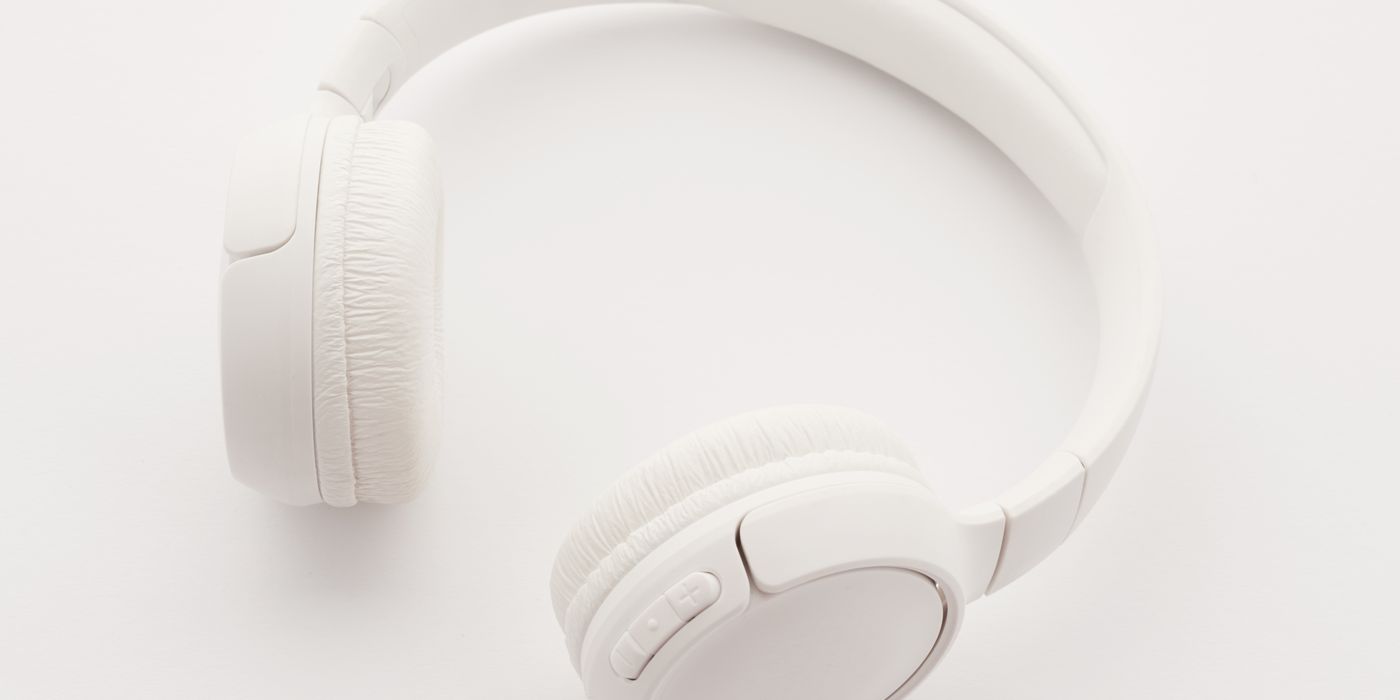
Headphones: any closed-back headphones work for monitoring while you record. The point of closed-back is to stop the monitor audio leaking back into your mic. You likely already own something adequate.
Acoustic treatment: if your room sounds echoey, record in a closet surrounded by clothes. It sounds ridiculous and works completely. The fabric absorbs reflections better than most room treatment panels. A clothes-filled closet is genuinely indistinguishable from a $500 sound booth in a podcast recording.
Step 3: Recording software
You do not need to pay for a DAW to produce a quality podcast. The free options are genuinely good.
- GarageBand (Mac, free): already on your Mac, easy enough to learn in an afternoon, exports MP3 and AAC. Handles multi-track without drama. Use this if you are on a Mac.
- Audacity (Windows/Mac/Linux, free, open source): less polished than GarageBand, but it can record, edit, normalize loudness, and export. Does everything a podcast needs. The interface looks dated; ignore that.
- Riverside.fm ($15/mo): for remote interviews. Records each participant locally at high quality, uploads separately, gives you isolated tracks. The go-to for any show with remote guests.
- Zencastr (free tier): the original browser-based podcast recorder. Free tier supports 2 hosts and up to 8 hours per month. Good enough for a hobbyist interview show without paying anything.
- Descript ($24/mo): transcript-based editing — delete words from the transcript and the audio disappears with it. Worth it once editing becomes the bottleneck. Not the starting point.
Step 4: Edit — only what matters
New podcasters over-edit. They cut every breath, every pause, every “um.” Listeners do not care about the “ums.” Heavy editing removes the conversational feel and takes 6 hours to do 30 minutes of audio. Edit the things that actually matter and stop.
- Cut the first and last 30 seconds of silence. Every recording starts with mic noise and ends with someone not knowing when to stop. Cut both.
- Cut obvious mistakes. Long fumbles, do-overs, technical glitches. Not every stumble.
- Normalize loudness. Spotify targets -14 LUFS, Apple Podcasts targets -16 LUFS. Audacity has a loudness normalization tool built in under Effect → Loudness Normalization. Use -16 LUFS as your target and you will pass both.
- Optional: noise reduction. Audacity has a Noise Reduction effect. Capture a sample of your room noise, apply it to the whole track. Takes 3 minutes and meaningfully cleans up hiss and hum.
That is the full edit. Budget 30-45 minutes to edit a 30-minute episode once you have done it a few times. Your first edit will take longer.
Step 5: Publish
Podcast hosting is the service that stores your audio files and generates the RSS feed that platforms (Spotify, Apple, Amazon) read to fetch new episodes. You need a podcast host.
- Spotify for Podcasters (free): formerly Anchor, now Spotify for Podcasters. Genuinely free with no episode limits. Distributes to Spotify, Apple Podcasts, Amazon Music, and others. The honest answer for anyone starting out: use this.
- Buzzsprout ($12/mo): cleaner interface, better analytics, episode management is more polished. Worth paying for if Spotify for Podcasters feels limiting after a few months.
- RSS.com ($8.99/mo): straightforward, unlimited storage, reasonable price.
- Podbean (free tier): 5 hours of storage free, reasonable paid plans. Second-tier free option if Spotify for Podcasters does not suit you.
Spotify for Podcasters is the default recommendation here. It is not compromised free software — it is a full platform. The only reason to pay for hosting early is if you need detailed analytics beyond what Spotify for Podcasters shows you.
Step 6: Submit your RSS feed
Every podcast host generates an RSS feed URL automatically. This is the file that Spotify, Apple, and Amazon read to check for new episodes. Submit this URL once to each platform and every new episode you publish will auto-distribute.
- Spotify for Podcasters: auto-distributed to Spotify when you use their hosting. Submit to Apple Podcasts separately at podcastsconnect.apple.com using your RSS URL.
- Apple Podcasts: podcastsconnect.apple.com. Submit RSS URL, approve episode, wait 24-48 hours for review.
- Amazon Music / Audible: music.amazon.com/podcasts/submit. RSS URL, instant submission.
Submit all three at launch. After that, never touch this again. New episodes distribute automatically to all platforms.
What not to do
The most common expensive mistakes, in order of how often people make them:
- Do not buy an XLR mic before recording a single episode. The ATR2100x USB mode and a $0 DAW produces a perfectly listenable podcast. Upgrade after episode 10.
- Do not pay for podcast hosting before you have 5 published episodes. Spotify for Podcasters is free and genuinely capable. You are not the bottleneck; your publishing frequency is.
- Do not obsess over cover art before you have content. Cover art matters for discoverability — eventually. No one is searching for your show in the first 10 episodes. Record the show first.
- Do not buy a Rode PodMic, SM7B, or Electro-Voice RE20 on episode zero. These are excellent mics. They are also purchased by people who record 3 episodes and quit. Earn the upgrade.
The launch checklist
- Format decided (solo, interview, co-hosted, narrative)
- USB mic purchased or already owned
- Recording software installed and tested with a 2-minute voice memo
- 3 episodes recorded and edited
- Spotify for Podcasters account created, episodes uploaded
- RSS feed submitted to Apple Podcasts and Amazon Music
- Episodes 4 through 10 outlined
Do all of this and you have a real podcast. Not a plan for a podcast. Not gear sitting in a box. A podcast.