How to Start a YouTube Channel in 2026 (Without Wasting Money on Gear)
What gear you actually need (less than you think), how the algorithm works, and the mistake that kills most new channels.

Most YouTube channels do not fail because of bad gear. They fail because the person behind them stops publishing. The algorithm does not care whether you shot on a cinema camera or a phone — it cares whether people watch your videos to the end and come back for more. Production quality is not the bottleneck. Consistency is.
This guide is not about building a studio. It is about starting a channel that actually survives the first three months, understanding why most do not, and spending your money in the right order — which is almost the opposite of what YouTube gear content tells you.
1. The gear you actually need
The minimum viable YouTube setup costs less than $100. Here is what matters and what does not.
Camera. Your phone. An iPhone 13 or newer, or a Pixel 7 or newer, shoots 4K video with stabilisation that would have cost $3,000 five years ago. It is not a compromise — it is genuinely excellent for a starting YouTube channel. If you are doing a desk-based or talking-head setup, a Logitech Brio webcam (~$150) is a clean alternative. A dedicated mirrorless or DSLR camera is not needed to start, and buying one before you have an audience is putting the cart before the horse.
Microphone. This matters more than video quality. Viewers will forgive slightly soft video; they will not forgive audio that sounds hollow, echoey, or hard to hear. Built-in phone and laptop mics are inadequate for anything serious. A $20 to $50 USB microphone is a complete fix.
- Samson Q2U (~$60): USB and XLR in one. Dynamic mic, meaning it rejects room noise well. Sounds professional for the price and upgrades gracefully if you later want an interface. The safest default pick.
- RØDE NT-USB Mini (~$100): condenser mic, sounds warmer and more detailed. Better in quiet rooms. Built-in pop filter. Worth the extra if your recording space is reasonably controlled.
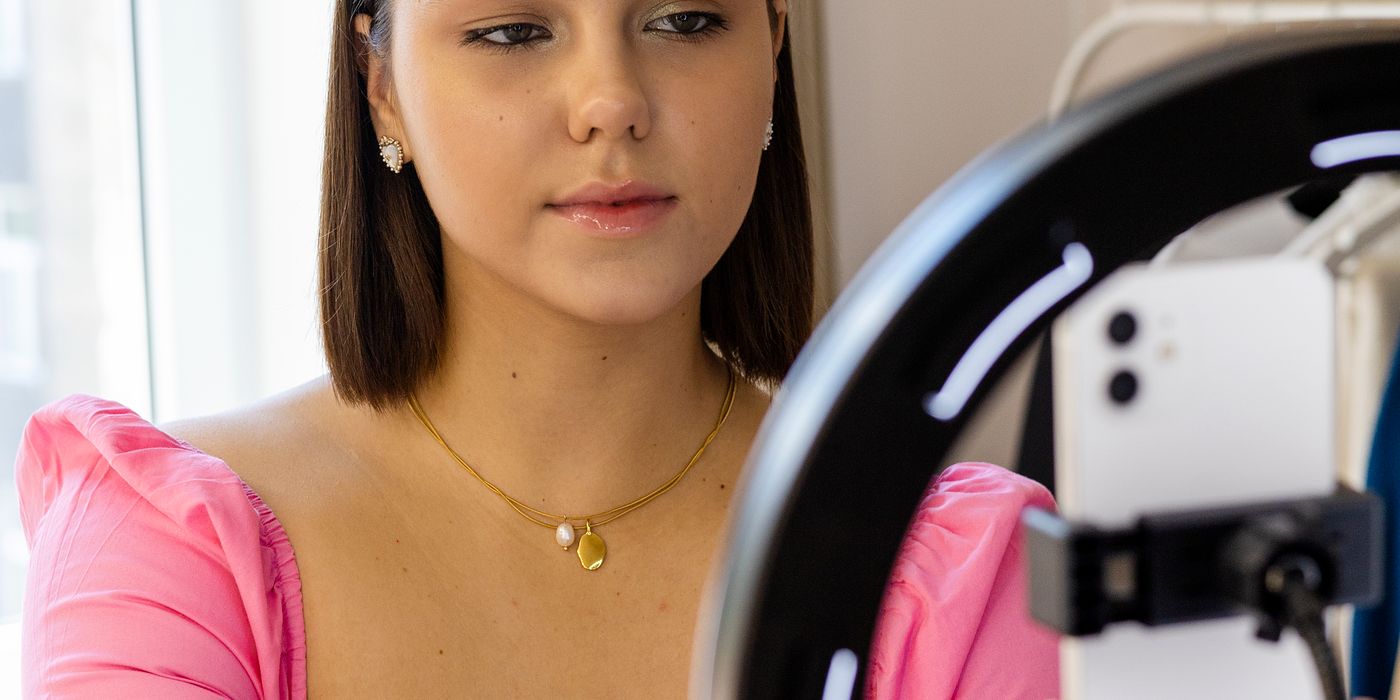
Lighting. A window works. Place it in front of you — not behind you — and you have soft, flattering natural light at zero cost. If you are filming indoors without good window access, a $25 to $35 ring light from Amazon placed behind your camera and pointed at your face is a dramatic improvement. Expensive studio lights are not on the list for beginners. Soft, even, front-facing light is the goal. Price is irrelevant.
Editing software. Two free options cover everything a new YouTuber needs:
- DaVinci Resolve (free): professional-grade timeline editor. Steep learning curve for a day or two, then it becomes fast. No watermark, no subscription, no limitations that matter at this stage.
- CapCut (free): simpler interface, excellent for fast cuts and short-form content. Templates, auto-captions, and transitions built in. The better choice if you want to publish quickly without learning a complex tool.
- iMovie (Mac, free): already on your Mac. Basic but capable. Good enough for your first 10 videos.
2. Setting up your channel
The decisions you make when setting up your channel matter less than consistency, but they are worth getting right once.
Choose a niche — and go narrower than feels comfortable. “Woodworking” is a crowded, broad niche where you are competing with channels that have been publishing for a decade. “Woodworking for apartment dwellers with no garage” is specific, searchable, and speaks directly to a defined audience. Narrow niches get less total search volume but convert far better — viewers who find you feel like you made the channel for them.
Channel name. Clear beats clever. Memorable beats creative. Searchable is a bonus. If your name is already associated with your topic — your real name plus the subject — that works. If not, a name that signals the content is a safer choice than something opaque that requires explanation.
Channel art and about section. Canva has free YouTube banner templates that take 20 minutes and look polished. The about section should include your niche and what viewers can expect, written naturally with the keywords your audience would search for. Add your other channels or site links here.
Shorts vs long-form. These are different algorithms with different audiences. Shorts can get views fast but rarely convert to subscribers who watch long-form. Long-form builds a more loyal audience but takes longer to get traction. Pick one to focus on at the start — most beginners do better starting with long-form because the audience they build is more engaged. Add Shorts later once you have a library of long-form content to point viewers toward.
3. How the algorithm actually works
YouTube’s algorithm is not a gatekeeper. It is a distributor. When you upload a video, YouTube shows it to a small test audience — usually your existing subscribers plus a few similar viewers. It measures two things: click-through rate (CTR) and watch time. If those numbers are strong, it shows the video to progressively larger audiences. If they are weak, it stops.
CTR is the percentage of people who see your thumbnail and title and click. The range to aim for is 4 to 8 percent. Below 4 percent means your thumbnail or title is not compelling enough to compete in browse. Above 8 percent usually means you are in a very low-competition space or the topic is highly urgent.
Average view duration is how long, on average, people watch your video. A 50 percent average view duration on a 10-minute video is strong. Below 30 percent on most videos is a signal that either the topic is weak or the content does not deliver what the title promised.
YouTube Search vs Browse. Videos optimised for search answer a specific question (how-to, review, comparison). They get discovered over months and years as people search. Browse videos (trending, suggested, homepage) need strong thumbnails and titles — they live or die on CTR. New channels tend to get most of their early views from search, which is why specific, answerable topics beat broad entertainment videos early on.
4. Your first 10 videos
Treat your first 10 videos as experiments, not investments. Do not spend three weeks on video one. Do not judge your channel’s potential from the first five videos. Every creator who is currently successful had bad early videos. The point of the first 10 is to build the production habit and start learning what your audience responds to.
- Answer specific questions. “How to do X” and “Is X worth it” get searched and discovered. “My thoughts on X” does not, until you have an audience.
- Vary length and topic within your niche. Try 5-minute videos and 12-minute videos. See which average view duration holds up. Do not assume you know the format your audience prefers before testing it.
- Publish on a consistent schedule. Once a week beats three times a week followed by burnout. Consistency compounds. A reliable publishing schedule trains both the algorithm and your audience to expect you.
- Spend more time on titles and thumbnails than on production. A great title on an average video outperforms a great video with a weak title, every time.
5. What kills new channels
The failure modes for new YouTube channels are predictable. Most of them are avoidable.
- Quitting before video 50. Most channels do not find their audience until they have 50 or more videos published. This is not a rule — some channels break through on video three — but it is common enough that “I tried for 20 videos and gave up” is a near-guaranteed failure path.
- Spending weeks on video one. Diminishing returns on a single video are steep. The time you spend on video 10 teaches you more than extra hours on video one, because you have the context of nine previous attempts.
- Ignoring thumbnails and titles. The content of your video does not matter if no one clicks. Spend 30 minutes on a thumbnail minimum. Study what the top-performing videos in your niche look like and understand why.
- Optimising for subscribers instead of watch time. Subscribers are a lagging indicator. Watch time is what the algorithm rewards and what predicts channel growth. A channel with 500 subscribers and 60 percent average view duration will outgrow a channel with 5,000 subscribers and 20 percent average view duration.
- Copying bigger channels exactly. You cannot out-produce MrBeast. You cannot out-tutorial MKBHD on a phone camera. What you can do is bring a point of view, a niche, or a personality that no one else is bringing. Specificity beats scale for new channels.
6. Monetisation — the honest version
YouTube’s Partner Program requires 1,000 subscribers and 4,000 watch hours in the last 12 months (or 10 million Shorts views in 90 days) before you can run ads. Most new channels hit this threshold somewhere between 6 months and 2 years in, depending on niche and consistency.
When you do qualify, AdSense pays roughly $1 to $8 per 1,000 views. Finance, software, and B2B tech niches sit at the high end. Gaming, entertainment, and lifestyle sit at the low end. This means a channel getting 10,000 views per month might earn $20 or $80 depending entirely on niche — not a meaningful income either way.
The real money comes from outside AdSense:
- Affiliate links in the description. Recommend tools, products, or services relevant to your niche. Every video description is an opportunity. You can do this from video one — you do not need to be in the Partner Program.
- Sponsorships. Start reaching out to small brands in your niche once you have consistent viewership. Brands care about engaged, relevant audiences — not subscriber counts alone.
- Digital products and courses. If your niche involves teaching a skill, a downloadable template or short course can generate more revenue from 1,000 true fans than AdSense does from 100,000 passive viewers.
- Patreon or memberships. Accessible before Partner Program thresholds. Viewers who get genuine value from your content will pay $3 to $10 per month for early access, bonus content, or community access.
7. Tools worth using
- TubeBuddy or vidIQ: browser extensions that overlay keyword data, competition scores, and SEO suggestions directly on YouTube. Both have useful free tiers. Use them for title and tag research before publishing, not as a replacement for good content decisions.
- Canva: thumbnail design. Free tier is sufficient. Use the YouTube thumbnail template (1280 × 720px), pick bold readable fonts, high contrast, and one or two focal points. Thumbnails should be readable at 200px wide.
- Notion or a simple spreadsheet: content calendar. Track your video ideas, publishing dates, and performance numbers (views, CTR, average view duration at 30 days). Reviewing this data across 20 videos tells you what to make more of.
- CapCut or DaVinci Resolve: covered in the gear section. Pick one and get good at it before switching.
Who this advice is for
- Complete beginner: start with your phone and a $50 to $60 USB mic. Do not buy a camera. Publish your first video this week, not after the gear arrives. The gap between planning and publishing is where most channels die before they start.
- Someone who has been “planning” for months: publish video one this week. Imperfect. The planning is not the bottleneck and more planning will not fix that. Pick a specific topic in your niche, record it, edit it in one session, upload it.
- Creator hitting a plateau: open YouTube Studio and look at two numbers — your CTR and your average view duration. Those two metrics explain almost every growth plateau. Low CTR means your thumbnails and titles are not competing. Low average view duration means your content is not delivering on its promise. Fix whichever is worse.
- Someone who wants to monetise quickly: add affiliate links to every video description from day one. Set up a Patreon page once you have a small engaged audience. Do not wait for the Partner Program — it is the slowest monetisation path and the least scalable one.
The channels that make it are not the ones with the best cameras. They are the ones that published 50 videos when every rational voice said to quit after 10. The gear is a solved problem. Consistency is not. Solve the consistency problem first, and worry about the gear later.